


€ 123,75 Gratis verzending

Gesponsorde links
|
|
123,75 |
Naar shop
|

|
132,93 |
Naar shop
|

|
132,93 |
Naar shop
|
| VERGELIJK ALLE AANBIEDERS (3) | ||
 Beschrijving
Vergelijk aanbieders (3)
Gesponsorde links · Sommige shops betalen ons een vergoeding
€ 123,75 Gratis verzending
€ 132,93 Gratis verzending
€ 132,93 Gratis verzending
Winkels met andere maten
Beschrijving
(1)
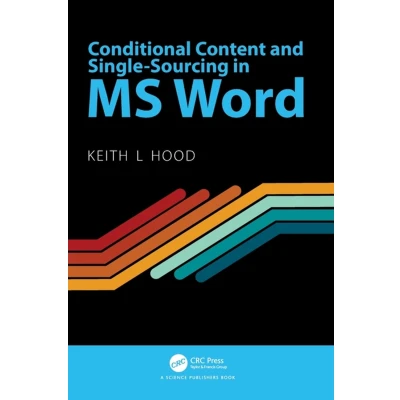
This book shows how you can have conditional content in MS Word documents, using ONLY the native features built into Word. With this, you can condition text and other document elements to be hidden or revealed at your choice, without having to install third-party software, pay subscription or go through any training in programming or coding. This book shows how to do what many people have long thought impossible—create and use conditional content in MS Word documents. Not just text, but images, headings, and other document elements can be conditioned to be visible or hidden as needed to fit the use of the document. This gives Word users the kind of flexibility that Adobe FrameMaker users have always had. The book shows how to use code fields to create many different documents from a single template file. It shows how to have centralized control of all your documents, and even how to create your own customized content management system, using only MS Office applications—without needing DBMS software, or specialized training in programming or data management. People who can benefit from this book are not just technical writers, but anyone who has to maintain a library of documents of many types. This can include people who have to create and manage sheafs of business documents for many clients, specification documents for manufacturers, and legal documents. If you have to use Word to deal with a large number of documents of almost any kind, this book can help you streamline your document lifecycle management.
 Prijshistorie
* Prijshistorie bevat geen data van Amazon, Amazon Marketplace.
Prijzen voor het laatst bijgewerkt op:
 Gerelateerde resultaten
 Productspecificaties


