

€ 25,86 Gratis verzending

Gesponsorde links
|
|
25,86 |
Naar shop
|

|
25,86 |
Naar shop
|

|
27,99 |
Naar shop
|
| VERGELIJK ALLE AANBIEDERS (3) | ||
 Beschrijving
Vergelijk aanbieders (3)
Gesponsorde links · Sommige shops betalen ons een vergoeding
€ 25,86 Gratis verzending
€ 25,86 Gratis verzending
€ 27,99 Gratis verzending
Winkels met andere maten
Beschrijving
(1)
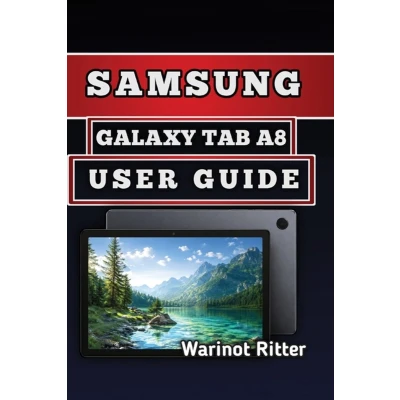
Have you recently purchased or started using a Samsung Galaxy Tab A8 and want to understand how to make the most of its features? Whether you are a first-time tablet user or someone looking for a clearer understanding of your device, this practical guide provides helpful information to improve your everyday experience. The Samsung Galaxy Tab A8 offers many useful features, but navigating settings, managing storage, improving performance, protecting your data, and customizing the tablet can sometimes feel confusing. This guide breaks down important functions into simple explanations and step-by-step instructions, helping you become more comfortable with your device. Inside this guide, you will discover how to set up your Samsung Galaxy Tab A8, configure essential settings, connect accounts, manage applications, adjust security options, understand hardware features, optimize performance, organize storage, maintain battery health, and troubleshoot common issues. You will also learn practical tips for smoother daily use, whether you use your tablet for browsing, entertainment, communication, reading, or productivity. Instead of searching through complicated technical information, this user-friendly manual brings together essential knowledge in one convenient resource. Each section is designed to help you understand your tablet better and make informed decisions about settings, features, and maintenance. By reading this guide, you can build confidence in using your Samsung Galaxy Tab A8 and gain a better understanding of how different features work. It is a useful companion for beginners, everyday users, and anyone who wants a clearer explanation of their tablet's capabilities. Take the next step toward a better tablet experience. Get your copy of the Samsung Galaxy Tab A8 User Guide today and start exploring your device with practical guidance and easy-to-follow instructions.
 Prijshistorie
* Prijshistorie bevat geen data van Amazon, Amazon Marketplace.
Prijzen voor het laatst bijgewerkt op:
 Gerelateerde resultaten
 Productspecificaties


