

€ 24,43 Gratis verzending

Uitgelicht
|
|
24,43 |
Naar shop
|

|
24,43 |
Naar shop
|

|
25,99 |
Naar shop
|
| VERGELIJK ALLE AANBIEDERS (3) | ||
 Beschrijving
Vergelijk aanbieders (3)
€ 24,43 Gratis verzending
€ 24,43 Gratis verzending
€ 25,99 Gratis verzending
Winkels met andere maten
Beschrijving
(1)
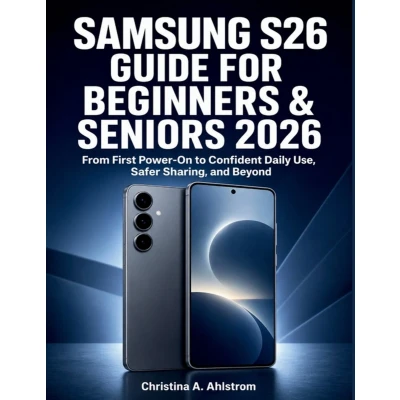
A new smartphone should make everyday life easier-not leave you confused by unfamiliar icons, hidden settings, and technical language.Samsung S26 Guide for Beginners & Seniors 2026 provides clear, practical instructions for using the Samsung Galaxy S26, Galaxy S26+, and Galaxy S26 Ultra. Every important task is explained in plain English, with carefully ordered steps and verification points that help you confirm that each action worked correctly.Begin with the essentials: identify your exact model, choose compatible accessories, install a SIM or eSIM, charge safely, connect to Wi-Fi, create secure accounts, and transfer contacts, photographs, messages, applications, and other information from your previous phone.You will then learn how to: - Navigate Android 16 and Samsung One UI 8.5- Organise the Home screen, Apps screen, widgets, and Quick Panel- Increase text size and configure senior-friendly accessibility tools- Make calls, manage contacts, use voicemail, and send messages- Set up email, browse safely, install apps, and make video calls- Take, improve, organise, back up, and share photographs- Use Galaxy AI, Bixby, Now Brief, Now Nudge, and Photo Assist- Protect personal information with screen locks, biometrics, Secure Folder, and privacy controls- Use Samsung Wallet, contactless payments, emergency features, and lost-device protection- Improve battery life, manage storage, install updates, create backups, and solve common problemsModel-specific features are clearly identified, including S Pen and Privacy Display functions available on the Galaxy S26 Ultra. The guide also explains how menus and services may differ by carrier, country, account, or software update.Whether you are setting up your first smartphone, helping an older family member, or moving from another device, this book will help you use your Galaxy S26 with greater confidence, safety, and independence.
 Prijshistorie
 * Prijshistorie bevat geen data van Amazon, Amazon Marketplace.
Prijzen voor het laatst bijgewerkt op:
 Gerelateerde resultaten
 Productspecificaties


