

€ 21,35 Gratis verzending

Uitgelicht
|
|
21,35 |
Naar shop
|

|
21,35 |
Naar shop
|

|
21,35 |
Naar shop
|
| VERGELIJK ALLE AANBIEDERS (3) | ||
 Beschrijving
Vergelijk aanbieders (3)
€ 21,35 Gratis verzending
€ 21,35 Gratis verzending
€ 21,35 € 2,99 verzendkosten Totaal € 24,34
Winkels met andere maten
Beschrijving
(1)
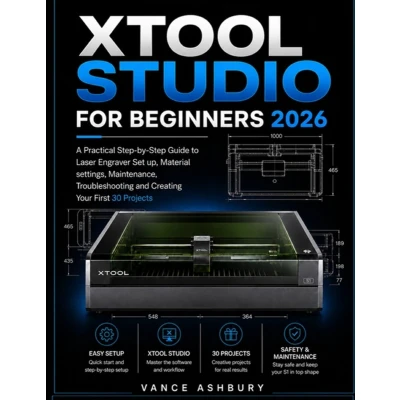
New to the xTool S1? Get a clear, practical starting point. Getting started with the xTool S1 can feel like a lot to take in. There are hardware settings to understand, software to learn, materials to prepare, and safety procedures that should never be overlooked. This practical guide takes you through the xTool S1 step by step, from initial setup and basic operation to creating your own engraving and cutting projects. You'll learn how to work with xTool Studio, prepare designs, choose suitable materials, understand basic processing settings, and recognize common beginner mistakes. The Guide covers: - Set up and prepare your xTool S1 laser engraver for use - Connect and work with xTool Studio - Understand basic engraving and cutting workflows - Work with different materials and evaluate processing settings - Use positioning and focusing tools with greater confidence - Follow essential laser and fire safety practices - Maintain your machine and keep your workspace ready >Whether you're using the S1 as a hobby machine, learning laser engraving for beginners, or simply want a clear reference to keep beside your machine, this guide is designed to make the learning process straightforward and manageable. The goal is simple: help you understand your machine, work safely, and become comfortable creating your own engraving and cutting projects. A practical reference for beginners who want to move from setup to hands-on projects with confidence.
 Prijshistorie
 * Prijshistorie bevat geen data van Amazon, Amazon Marketplace.
Prijzen voor het laatst bijgewerkt op:
 Gerelateerde resultaten
 Productspecificaties


